For Claude Code and Codex.
The AI you already use. Now on your backpack, your wrist, your bag, your keys, your jacket, your bike, your suitcase or your dog.
An Apple Watch and iPhone app for the Claude Code and Codex on your Mac. Hold the screen, say what you want, let go.
Everyone is building a cute new assistant: another subscription, another app, another company holding your data. Chums is a team of agents on the AI you already pay for.
Your agents run on Claude Code or Codex, on your Mac.
Chums is free and open source. The AI subscription you already have does the work.
No Chums login. Your watch talks to the hub on your own Mac.
Chums doesn't replace your agent. It puts a remote in front of it. Pick Claude Code or Codex for each character, on the watch.
Why does every character look different?
No big brand to obey. So each one tries a different way to build and animate a character: real-time 3D, Blender renders, vectors, one line, strokes on springs, plain eyes, pixels. Each is also its own agent, with its own conversation and voice.
Start from Ray's Swift file. Change how it looks and moves in each state, give it an avatar and a voice, and build it onto your watch. Send it to us if you want it in.
How to add a character





private func body(_ s: ChumsState) -> Body {
  switch s {
  case .idle: return Body()
  case .listening: return Body(amp: 0.2, speed: 2.4, len: 0.05, up: 0.4)
  case .thinking: return Body(amp: 0.14, speed: 0.9, tilt: -9 * DEG, curl: 0.5)
  case .working: return Body(amp: 0.42, speed: 4.2, turn: 0.45, curl: -0.3)
  // …
  case .done: return Body(amp: 0.36, speed: 2.4, len: 0.03, up: 0.25)
  case .needs: return Body(amp: 0.18, speed: 1.3, up: 0.15, wave: 1)
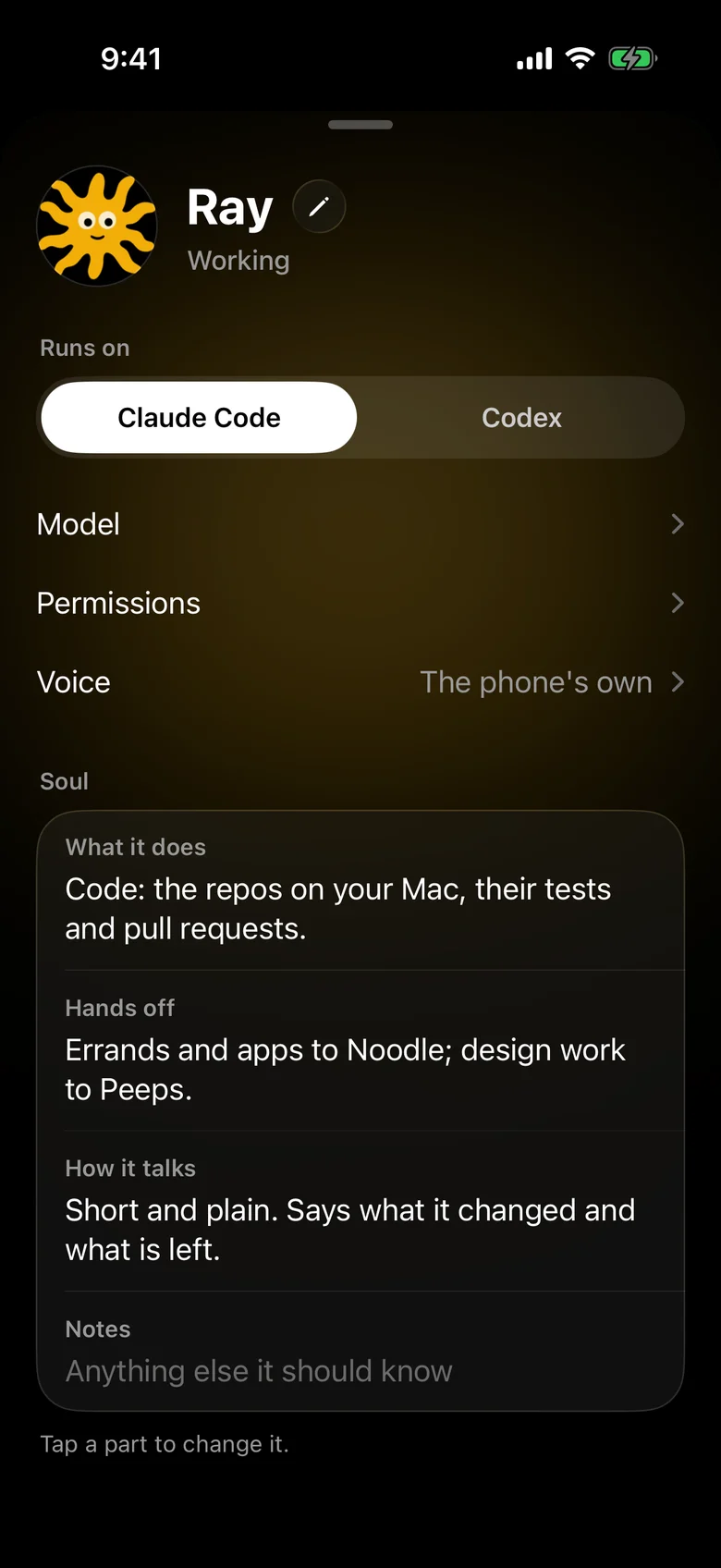
Each character's soul says what it does, what it hands off and how it talks. Change it by talking to the watch, then save.
 PeepsRuns on Claude Code
- What it does
- Design: Figma, images, icons, your portfolio site and the look of things.
- Hands off
- Code to Ray; errands to Noodle.
- How it talks
- Calm, visual and casual. Shows before it tells.
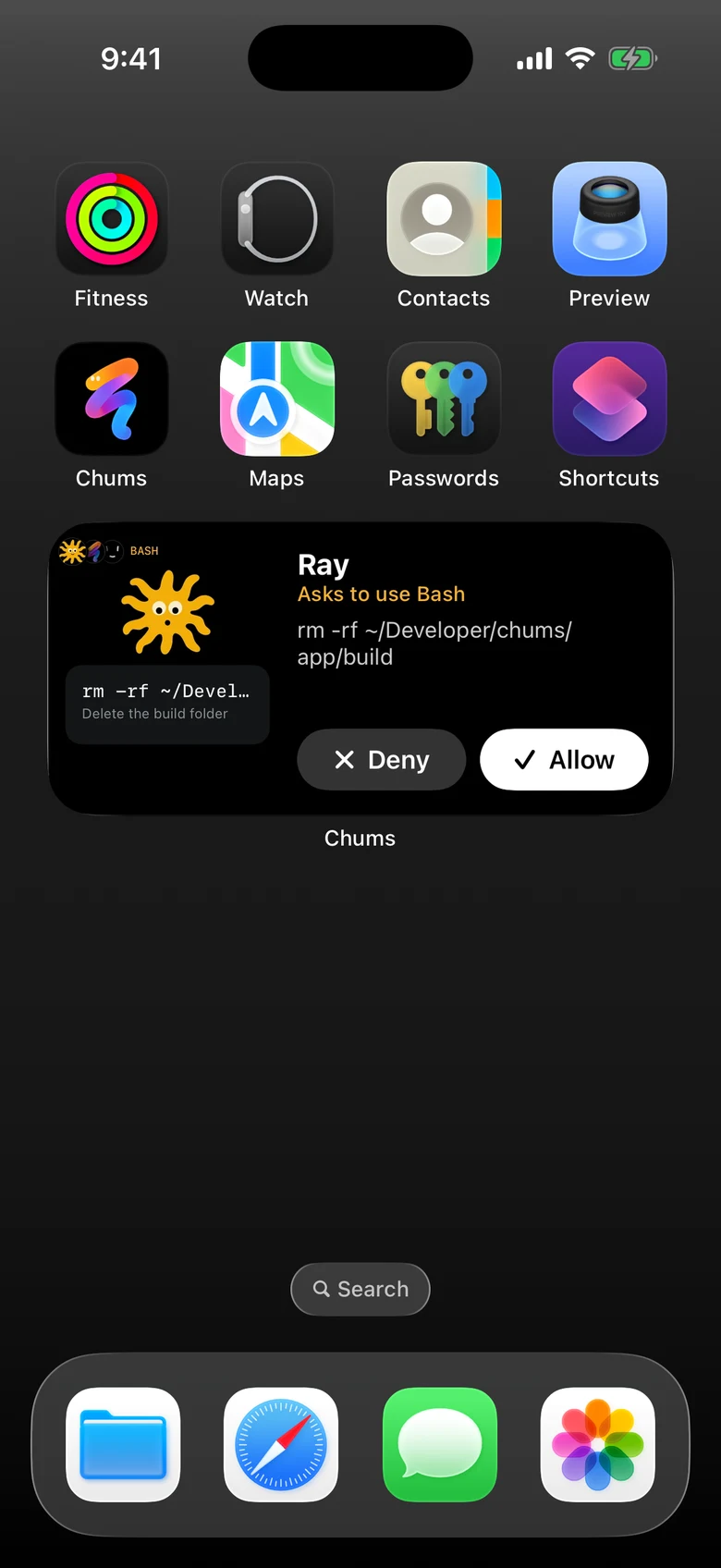
Same agents. Same conversations. Type or talk, approve commands and pick each agent's model. The Action Button or Control Center opens it already listening.
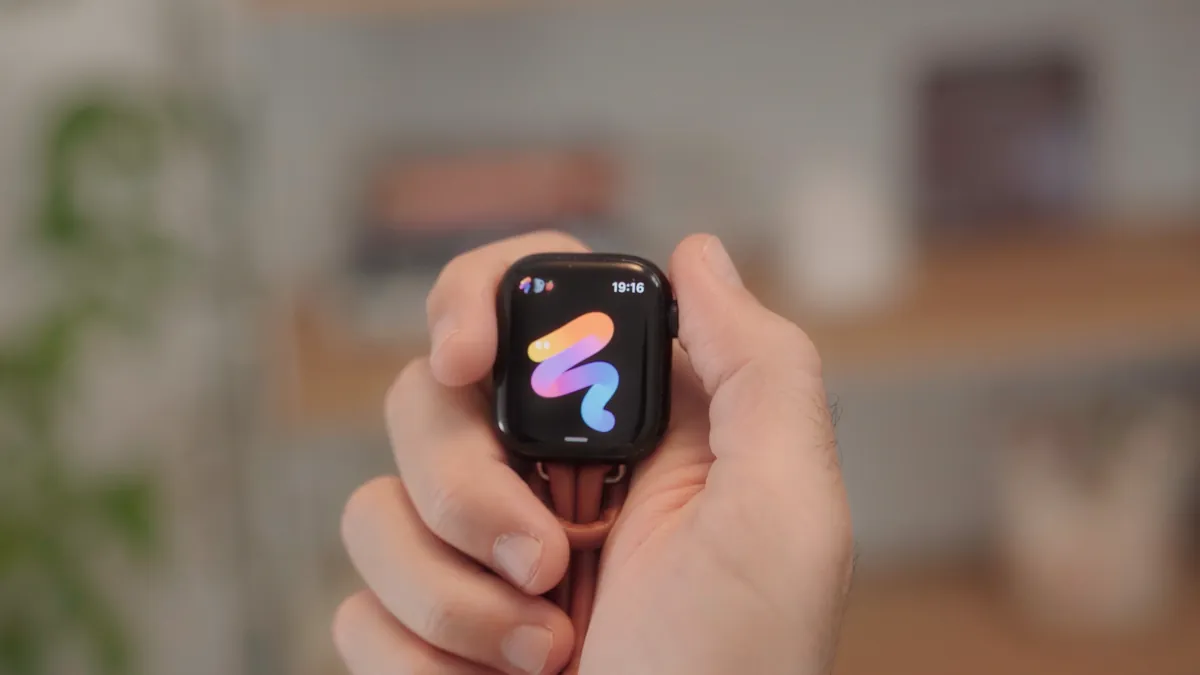
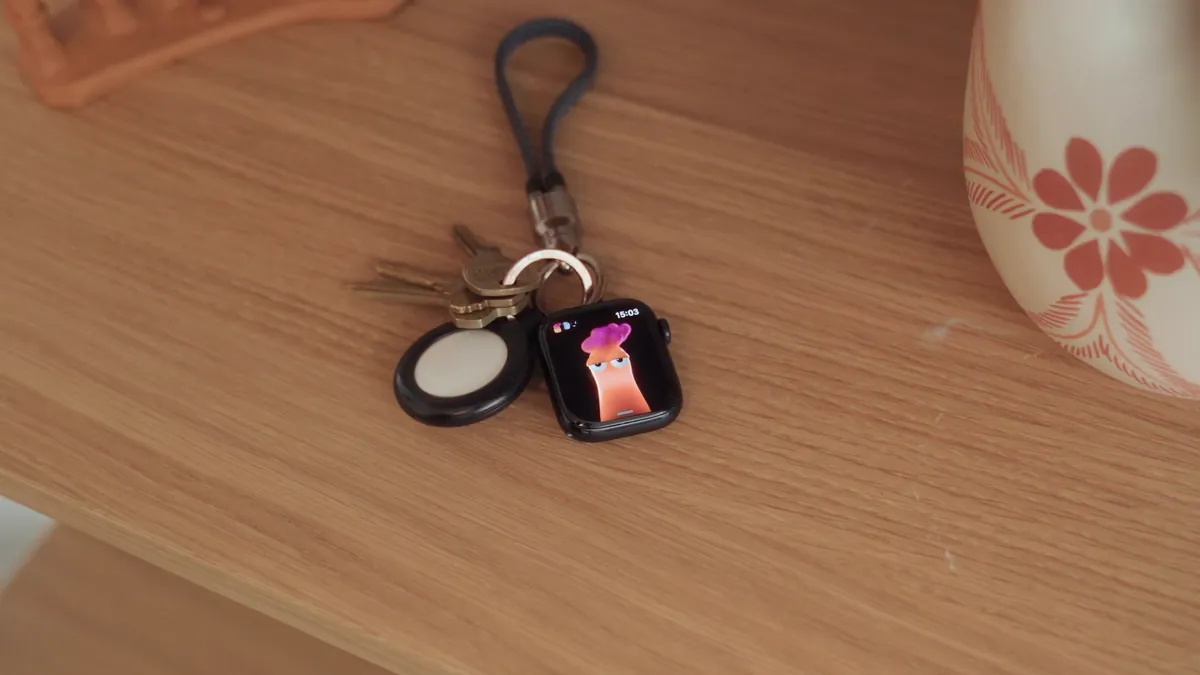
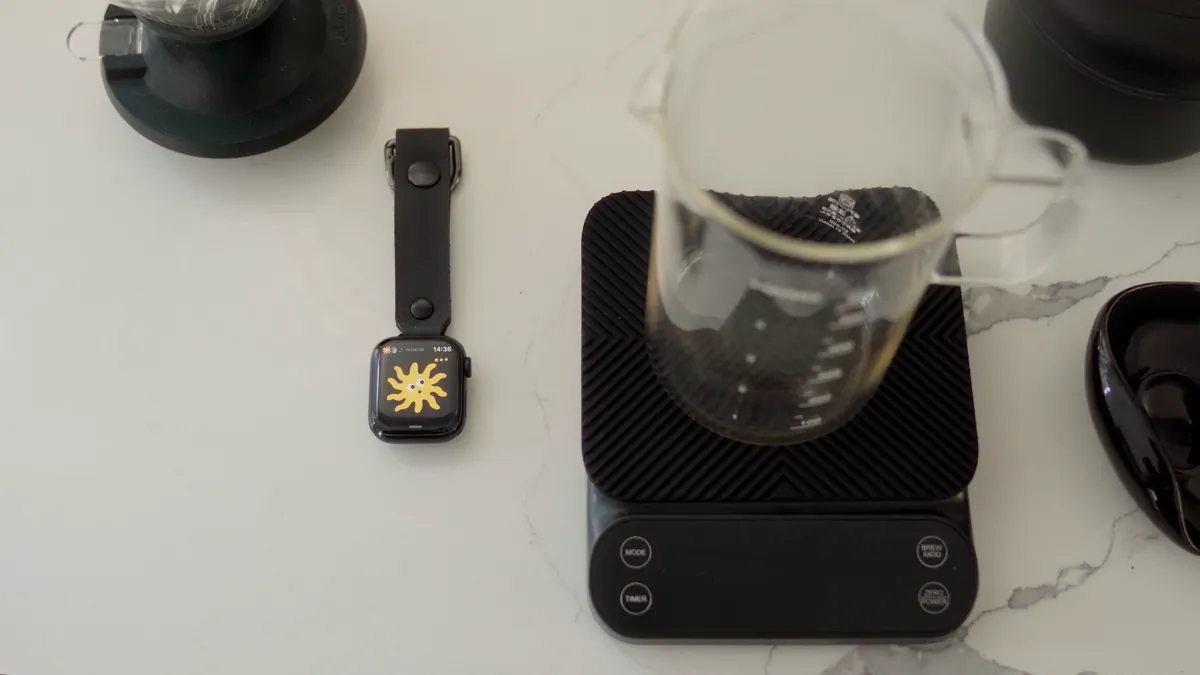
Put it on your keys. Clip it to your bag. Keyring mode keeps Chums on screen when nobody is wearing the watch, and your agents keep working on your Mac.
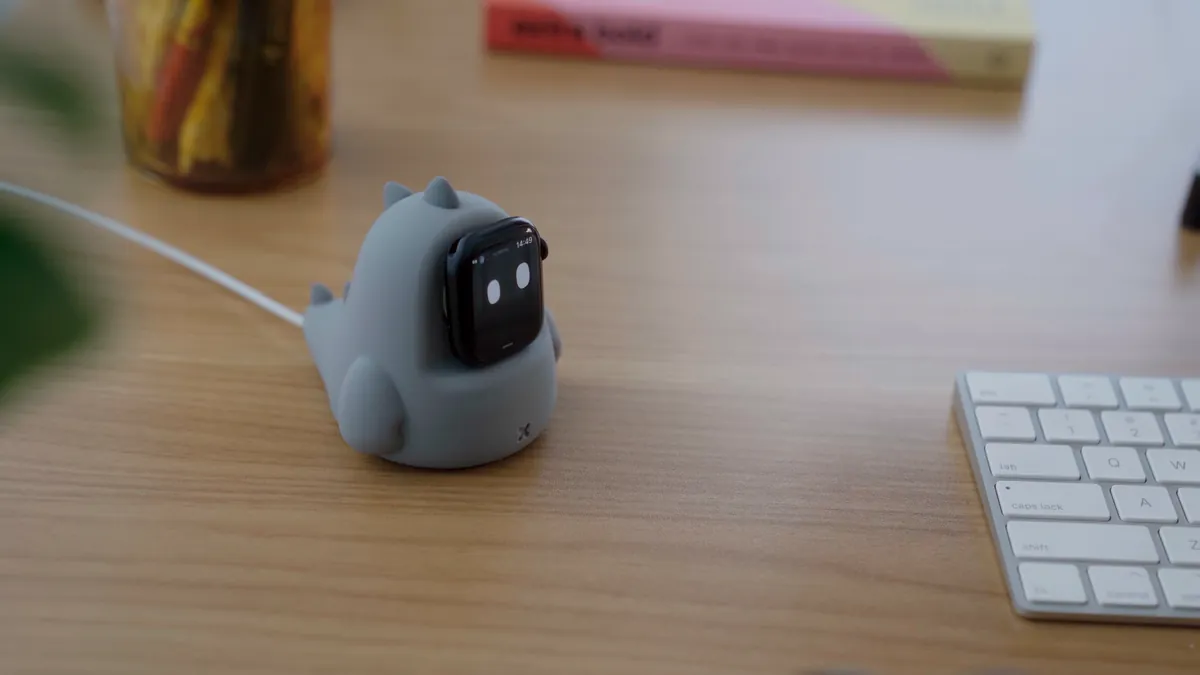
Chums is source code on GitHub, not an App Store download. Paste this into Claude Code or Codex. It does the setup and stops when it needs your hands: signing in, plugging in your iPhone, turning on Developer Mode.
Set up Chums for me: clone https://github.com/lcoutodemos/chums and follow its AGENTS.md.Mac with Apple silicon · Xcode 26 · Apple Watch on watchOS 26, paired with an iPhone · a USB cable, once · Claude Code or Codex · a free Tailscale account
A free Apple ID works; apps signed with it expire after seven days. Rather do it by hand? docs/setup.md has every step.